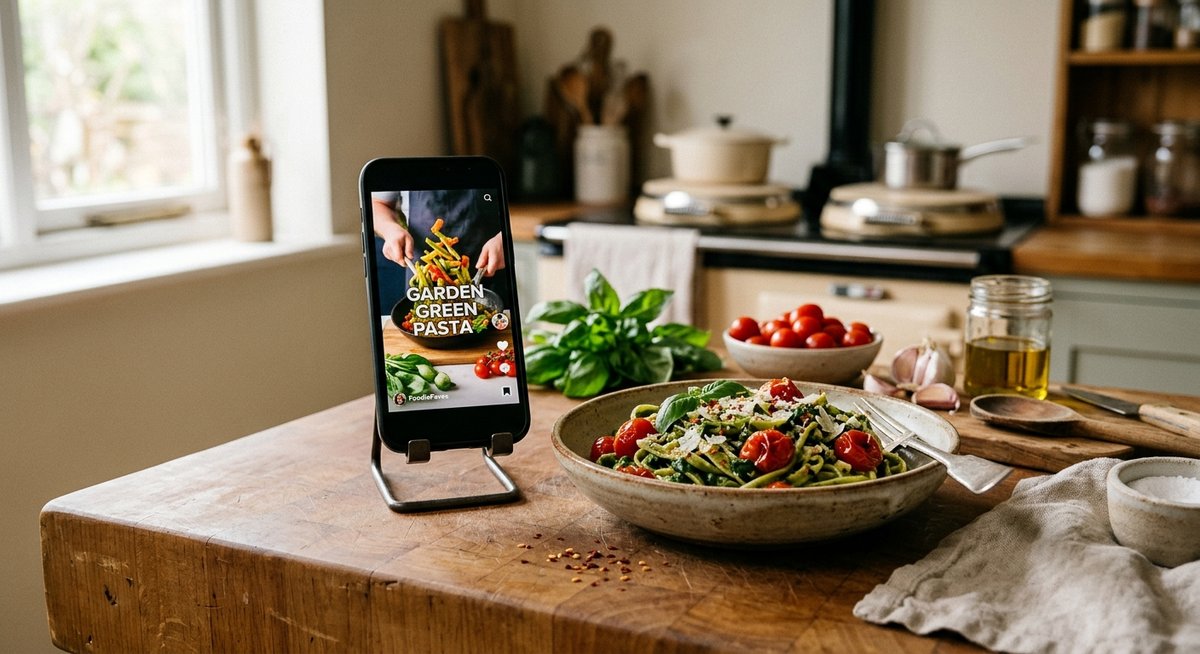
How to Save Recipes on TikTok and Cook Them Later
2 November 2026 · 8 min read
Key takeaways
- Bookmark recipe videos on TikTok and file them into collections by meal type to keep favourites organised.
- TikTok bookmarks store only a link, so deleted or privated videos leave you with a dead favourite and no recipe.
- Recipe savers like Stir turn a pasted TikTok link into a recipe card with an aisle-sorted shopping list.
- The Tesco in-store list is good for shopping but cannot import recipes, extract ingredients, or scale portions.
- Check captions, pinned comments, and replies for quantities and corrections before trusting a TikTok recipe.
To save recipes on TikTok, tap the bookmark icon on the video to add it to your Favourites, then sort them into Collections by meal type. That keeps videos from getting buried, but bookmarks alone don't give you ingredients or steps, so most cooks also move saved videos into a recipe app that builds a shopping list.
How do you save a recipe video on TikTok using favourites and collections?
TikTok's bookmark is the fastest way to keep a recipe video, and collections keep the bookmarks tidy. Here is the native method, step by step, plus where it stops working.
Bookmarking a video step by step
Tap the share arrow on the right side of the video, then tap "Add to favourites". A bookmark icon appears and the video lands in your favourites folder, which you reach from your profile under the bookmark tab. You can also long-press a video and choose "Add to favourites" from the menu that pops up.
Creating a collection for recipes
Inside the favourites tab, tap "Manage" or the plus icon to create a collection, for example "Weeknight dinners" or "Baking". When you bookmark the next recipe video, TikTok asks which collection to file it in, so pasta bakes and desserts stay separate.
The limits of native saving
A bookmark stores the video, not the recipe. There is no ingredient list, no servings, and no shopping list, so you rewatch the video every time you cook. TikTok's own help pages on favourites and collections confirm favourites are for re-watching, not cooking from. When you want a clean recipe card with a shopping list sorted by aisle, a dedicated saver like Stir turns the saved video into one.
Why do saved TikTok videos get lost, and how do you prevent it?
Bookmarking a recipe video feels safe, but the bookmark only stores a link to the video, not the recipe itself. Three things go wrong, and each one has lost someone's dinner.
Deleted or privated videos break your bookmarks
TikTok creators delete videos, go private, or leave the platform entirely. When that happens, your favourite becomes a dead link. The caption, the ingredients, the technique: gone. If you bookmarked a peach cobbler video in January and open it in June, there is no guarantee it still exists.
Recipes hidden in comments you never see again
On TikTok and r/food, the full recipe often lives in the comments or in a linked post, not the caption. When you save the video, you save none of that. Scrolling back through hundreds of comments to find "recipe in comments" is how saved recipes quietly die.
No search, no ingredients, no portions
TikTok favourites are a pile, not a library. You cannot search by ingredient, scale portions, or swap for allergens. Turning a saved video into a clean recipe card with a shopping list sorted by aisle fixes this, which is what Stir does when you import from TikTok or Instagram.
What is the best app to save TikTok recipes for free?
How we judged each app
We scored four apps on three things that matter after you hit save: how reliably they import a TikTok video into a proper recipe card, whether the shopping list is usable in a UK supermarket, and whether the free tier lets you build a real library rather than three recipes. We also checked what happens if the creator deletes the video, because TikTok's own guidance on deleted content makes clear that removed videos and their associated data can vanish from the platform (TikTok Help Centre). If your recipe only lives as a bookmark, a deletion takes it with you.
Comparison: Stir, ReciMe, Quickle, TastyGenie
| App | TikTok import | Shopping list | Free tier |
|---|---|---|---|
| Stir | Paste a video link, get a clean recipe card | Sorted by aisle | Core saving works free |
| ReciMe | Import from TikTok and Instagram | Aisle-sorted list | Limited free imports |
| Quickle | Recipe and meal plan focus | Built for shopping | Free tier with limits |
| TastyGenie | Recipe discovery focus | Less list-first | Free tier with limits |
Stir turns a saved link into something like this peach cobbler-style recipe card: ingredients, steps and a shopping list, no scrolling back through your favourites.
Where Stir falls short
Stir is honest about its gaps. Imports from caption-only recipes can miss quantities, so check the card against the video before you cook. It also has no built-in YouTube transcript view, and portion changes sometimes need manual edits. If you cook mostly from written blogs rather than video, ReciMe may fit better.
How do you turn a saved TikTok recipe into a shopping list?
Importing the video link
Copy the video link from TikTok's share menu, then paste it into Stir. The app reads the caption and spoken steps and builds a recipe card in seconds.
Checking the generated recipe card
The card is a first draft, not a finished recipe, so give it thirty seconds before you shop. TikTok creators rarely state quantities out loud, and captions often say "a splash" or "to taste", so check that every ingredient has an amount you can actually buy. Watch for duplicate ingredients listed twice under different names, and fix the servings figure first: if the card says 2 portions but you are cooking for 4, change it before generating the list, because every quantity scales from that number. If an ingredient is missing entirely, add it manually on the card rather than discovering the gap mid-recipe.
Generating and editing the shopping list
Tap the shopping list button and the ingredients appear sorted by aisle, so you walk Tesco once instead of backtracking. Tick items off as you go, and delete anything you already have at home.
Can a supermarket shopping list app like the Tesco in-store list replace a recipe saver?
What the Tesco in-store list is good at
The Tesco app's in-store list does one job well: it keeps your shopping list on your phone while you walk the aisles, so you can tick items off as you shop. If you already know what you're cooking this week, it's a solid companion at the supermarket.
What it cannot do with recipe videos
It can't tell you what to cook. A saved TikTok video stays in your TikTok favourites; the Tesco list has no way to import it, extract the ingredients, or scale portions from 2 to 4. There's no recipe card, no weekly menu, and no way to turn "that salmon video I bookmarked in March" into tonight's dinner. A shopping list is the last step of the process, not the whole thing.
Using both together
The practical setup is a recipe saver that imports videos and builds the list, then Tesco's list for the actual shop. A saver like Stir turns a TikTok or Instagram recipe into a clean recipe card with a shopping list, which you can then shop against in-store. That's how a saved recipe makes it from your feed to your basket.
How do you organise saved TikTok recipes into meal plans?
A library of saved videos only pays off once it becomes a weekly menu. Here is how to structure that.
Building a weekly menu from your library
Pick five or six recipes for the week and slot them against real evenings: quick 15-minute ones on work nights, longer roasts or bakes at the weekend. In Stir: Recipes & Meal Planner!, imported TikTok recipes sit on a weekly grid, so you drag cards onto days instead of scrolling your favourites. Leave one night flexible for leftovers or a spontaneous Reddit find.
Scaling portions for meal prep
Cooking for one on Tuesday and four on Sunday means changing quantities, not guessing. Scale a recipe to the servings you need and the ingredient amounts update with it, so one big meal-prep batch can cover several lunches.
Tagging by diet and cooking time
Tag recipes as vegetarian, under 30 minutes, or prep-ahead, then filter when you plan. When you shop, Tesco's in-store shopping list in the app sorts items so you can tick them off aisle by aisle (Tesco Help).
What should you check before trusting a recipe from a TikTok video?
Missing quantities and vague timings
A 45-second video rarely shows exact grams, oven temperatures or timings. "A splash of soy sauce" and "cook until golden" are common because the creator assumes you'll ask in the comments. Before you cook, check the caption and pinned comment for a written version, and treat anything unspecific as a judgement call rather than a guarantee.
Reading the comments for corrections
The comment section is often where the real recipe lives. Look for replies from the creator confirming quantities, and for top comments like "half the sugar" or "mine burned at that temp" with dozens of likes. If several people report the same fix, apply it. If the creator never answers measurement questions, be cautious.
Allergen and substitution checks
TikTok creators rarely flag allergens, so check every ingredient yourself before swapping. Common traps include sauces hiding gluten or nuts, and "butter" in UK videos meaning actual butter, not a spread. Write the substitution into your recipe card before you shop, so your shopping list reflects what you'll actually buy.
FAQ
Is there a free app to save recipes from TikTok and Instagram Reels?
Yes. Stir's core saving works free: paste a video link and you get a recipe card with an aisle-sorted shopping list. ReciMe, Quickle and TastyGenie all offer free tiers too, though each limits how many imports you can make. Check quantities against the original video after importing, since caption-only recipes can lose amounts.
How do I save a TikTok recipe when the ingredients are only in the comments?
Bookmark the video first, then copy the comment text manually into a recipe app or note. TikTok saves the video only, never the comment thread, so the recipe dies if you rely on scrolling back later. Check the caption and pinned comment too, since creators often post a written version there.
Does saving a TikTok video notify the creator?
No. Adding a video to your favourites or a collection is private, and TikTok does not tell the creator who bookmarked their content. They can see view counts and likes, but saves stay invisible to them. That means you can quietly build a recipe library without any interaction showing up on their side.
What is the best free shopping list app for UK supermarkets?
For lists alone, the Tesco app's in-store list works well: it keeps items on your phone and lets you tick them off aisle by aisle. It cannot import recipes or scale portions, though. Pair it with a saver like Stir, which builds the list from a recipe card, then shop against it in Tesco.
Can I import a TikTok recipe into the Tesco app?
No. The Tesco in-store list has no way to import a TikTok video, extract ingredients, or scale servings from 2 to 4. The practical workaround is importing the video into a recipe saver first, which produces a shopping list you can then re-create or shop against using Tesco's own list in-store.